Software built around your business.
Custom applications, connected workflows, and managed digital systems designed for the people who use them.
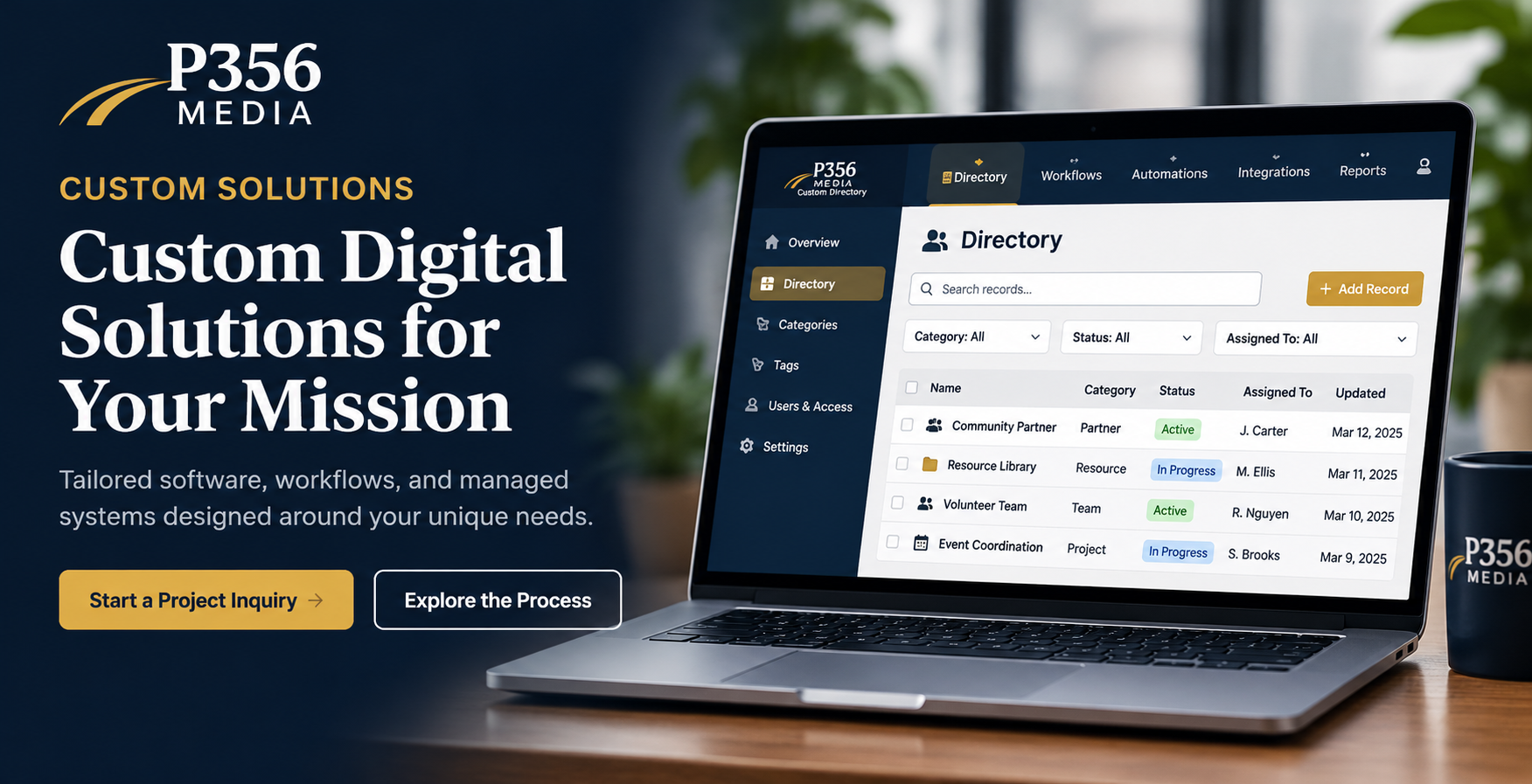
Illustrative software concept, not a completed client project.
Purpose-built tools for real operational needs.
Projects begin with a specific problem. The solution may be a focused internal tool, a customer-facing experience, or a connected workflow across existing systems.
Workflow Systems
Organize requests, assignments, approvals, and follow-through in one understandable process.
Internal Applications
Create role-based workspaces for staff, leadership, and teams who need different views of shared work.
Process Automation
Reduce repetitive handoffs, notifications, and administrative steps where automation is appropriate.
System Integrations
Evaluate ways to connect existing tools and data, subject to available APIs and security requirements.
Dashboards & Reporting
Surface useful status, ownership, and activity information without burying teams in complexity.
Managed Digital Systems
Plan for ongoing maintenance, improvements, and support after a system is delivered.
Understand the work before building the tool.
Custom development should solve a defined operational problem, not introduce technology for its own sake.
Scope, feasibility, timeline, hosting, integrations, and support are determined through discovery. No fixed delivery commitment is implied before that work is complete.
Discover
Identify the people involved, current process, bottlenecks, and desired result.
Define
Establish requirements, permissions, scope, integrations, and success criteria.
Design & Develop
Build and review the agreed workflow in stages, with usability and security considered throughout.
Test & Launch
Validate core functions, refine issues, and prepare the system for practical use.
Maintain & Improve
Define support and future enhancements based on the project's operating needs.
Software should fit the people using it.
Our approach emphasizes clear responsibility, understandable interfaces, and operational visibility.
Designed for the actual users
Different roles may need different actions, permissions, and levels of detail. The experience should reflect those differences.
Structured for accountability
Workflows can make ownership, next steps, and completion status visible to the appropriate people.
Security considered from the start
Access rules, sensitive information, data handling, and integration risks are evaluated as part of scope.
Built for long-term operation
Maintenance, administration, and future changes are considered before a system becomes essential to daily work.
Capabilities shown here describe the types of projects P356 Media evaluates; specific features and integrations depend on discovery and an agreed scope.
Experience shaped by building P356.
Our P356 Church and P356 Outreach products inform how we think about role-based access, follow-up, leadership visibility, and usable operational workflows.
These products are in development and testing. They are not presented as completed custom client engagements.
P356 Church
A managed church workspace for leadership, ministries, connections, events, and service coordination.
P356 Outreach
A focused evangelism and relationship follow-up workspace with team oversight and church handoffs.
Have a process that needs a better system?
Describe what is happening today, what is not working, and what a successful solution would need to accomplish.